Don’t Let the Pretty Face Fool You: What to Know Before Buying Custom Gaming T‑Shirts
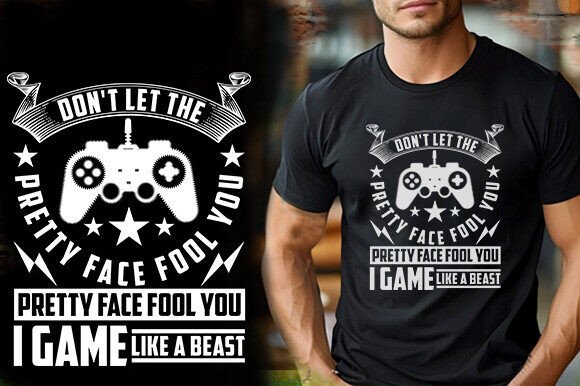
When you browse online marketplaces like Amazon, Etsy, Teespring, or Redbubble, the first thing that grabs your attention is usually the design—the bold colors, the clever slogan, the retro arcade aesthetic. It’s easy to think that if the preview looks good, the final product will be just as impressive. But in the world of custom gaming t‑shirts, don’t let the pretty face fool you. A polished mockup can hide a host of practical issues that affect everything from print quality to how long the shirt lasts.
Whether you’re a creator designing your own line, a small business owner sourcing inventory, or a shopper looking for a unique gift, understanding what goes into a quality gaming t‑shirt can save you time, money, and frustration. Let’s walk through the common mistakes, overlooked details, and smarter approaches that will help you get exactly what you expect.
Why the Surface Doesn’t Tell the Full Story
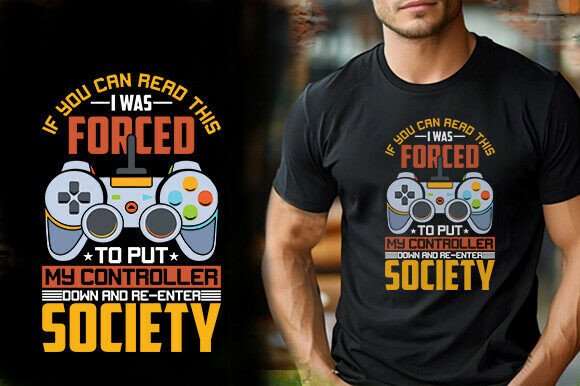
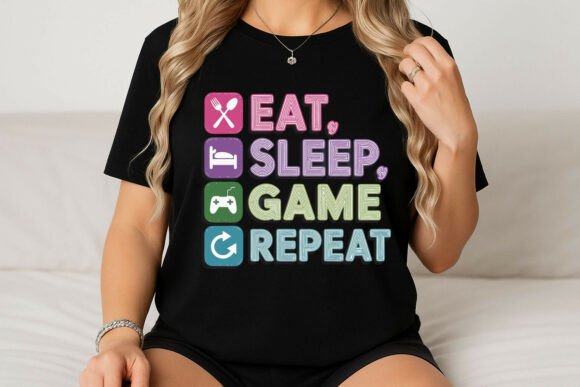
It’s natural to judge a t‑shirt design by its preview image. A crisp, vibrant graphic on a well‑lit model makes you think, “Yes, that’s the one.” But that image is often a digital mockup—not a photo of the actual printed shirt. The gap between what you see on screen and what arrives in the mail can be surprisingly wide.
The phrase “don’t let the pretty face fool you” applies directly here. A beautiful design file doesn’t guarantee a beautiful printed shirt if the file isn’t prepared correctly. Resolution, color mode, file format, and scalability all play a role. Many buyers and even some sellers don’t check these details until it’s too late.
Mistake #1: Confusing a Good Mockup with a Good File
A well‑crafted mockup can make any design look amazing. But the mockup itself isn’t what gets printed. What matters is the actual source file you receive—or provide if you’re the seller.
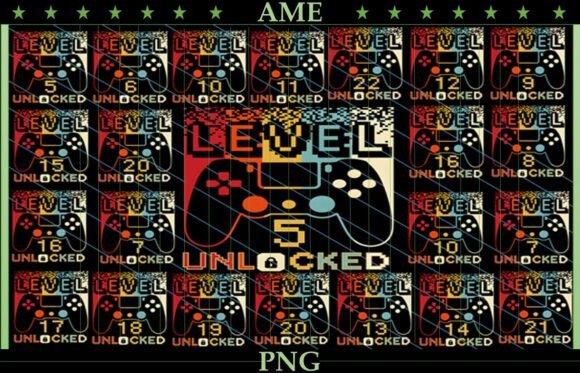
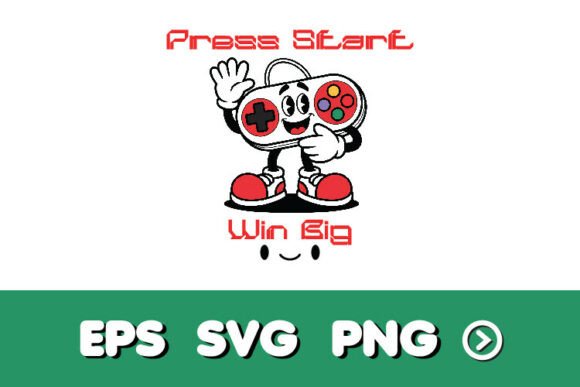
If you’re buying a design package, look for what’s included beyond the preview. A listing that only offers a single PNG or JPEG may seem convenient, but those formats have limitations. PNGs with transparent backgrounds are useful for mockups and web display, but for professional printing, vector files are far superior. Vector shapes—like those in AI, EPS, or SVG formats—scale infinitely without losing quality. They also allow easy color changes and resizing without rework.
What to check instead: Look for listings that include multiple file formats, especially editable vectors. A good package will include a high‑resolution PNG (at least 300 dpi), along with AI, EPS, SVG, and sometimes JPG. The description you mentioned—“Easy to modify and change color, 100% vector shapes, fully editable”—is exactly the kind of detail that signals a quality product. If the listing only shows a pretty picture and says nothing about file specs, proceed with caution.
Mistake #2: Overlooking Resolution and Print‑Ready Requirements
Resolution is one of those details that seems technical but has a direct visual impact. A design that looks perfect on your phone screen might be disappointingly blurry when printed on a shirt. That’s because screens display at 72 dpi (dots per inch), while print requires at least 300 dpi.
When you see a listing boasting “300 dpi, 4500×5400 pixels”, that’s a sign the file was built with printing in mind. Anything less might work for stickers or small apparel details, but for a full‑size chest print, low resolution results in jagged edges and faded colors.
Practical advice: Before purchasing or using a design, confirm the resolution. If you’re the seller, always export at 300 dpi in the correct dimensions. A good rule of thumb: if the file size is under a few MB for a PNG, it’s probably too small for high‑quality printing.
Mistake #3: Ignoring the Differences Between Print Platforms
A design that works beautifully for a sticker might fail on a t‑shirt, and a shirt design that looks great on Teespring might not suit Amazon’s print‑on‑demand requirements. Each platform has its own specs for size, placement, color mode (CMYK vs. RGB), and file type.
Many creators make the mistake of using one file for every marketplace. That’s a recipe for inconsistent results. For example, Redbubble prefers RGB PNGs with transparent backgrounds, while Amazon Merch requires specific dimensions and sometimes a separate color layer. If you skip these details, your design might be rejected, cropped oddly, or printed with off colors.
Better approach: Build your design in vector format so you can easily adjust size, color mode, and export settings for each platform. Keep a master file and create platform‑specific exports. This takes a few extra minutes but eliminates guesswork and rework.
Mistake #4: Underestimating the Value of Editable Files
If you’re a designer or small business owner, receiving a design as a flat PNG is like getting a locked door without a key. You can’t change the color to match a new collection, resize it for a hoodie, or tweak the text if the slogan needs an update.
This is where the phrase “don’t let the pretty face fool you” comes back into focus. A design might look stunning in the preview, but if you can’t edit it, you’re stuck with it as‑is. For anyone who plans to sell across multiple products or update designs seasonally, editable vector files are essential.
What to look for: Ensure the package includes AI, EPS, or SVG formats. These are industry standards for professional design work. If you’re the seller, offering these files adds real value and builds trust with clients who need flexibility.
Mistake #5: Judging Quality by Price Alone
It’s tempting to assume that a cheap design is low quality and an expensive one is guaranteed perfection. In reality, pricing varies widely based on licensing, file complexity, and the seller’s reputation. A moderately priced design with clear file specs and good reviews can outperform a premium listing that lacks detail.
Conversely, a rock‑bottom price might mean you’re getting a low‑resolution raster file that can’t be scaled or edited. Always read the description carefully. If a listing emphasizes “easy to modify, fully editable, high quality, 300 dpi”, that’s a reliable indicator of a well‑prepared product—regardless of the price point.
Mistake #6: Not Testing the Design Before Printing
Even with perfect files, it’s wise to do a test print before committing to a large order. Colors can shift between screen and fabric, and placement that looks balanced in a mockup might feel off center on an actual shirt.
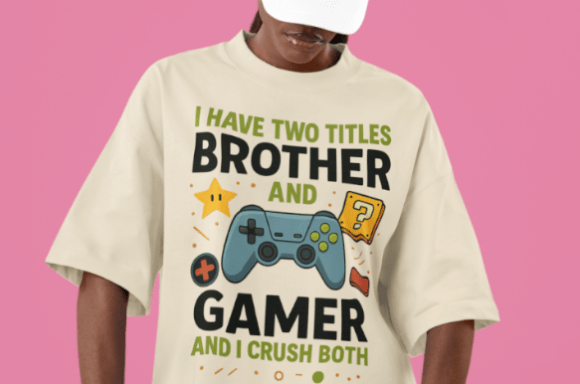
If you’re a creator, order a single proof from your printer. If you’re a buyer, look for sellers who include a mockup that shows the design on a real garment, not just a flat digital render. The difference is subtle but important. A mockup that uses a T‑shirt template with realistic folds and fabric texture gives you a better sense of how the final product will look.
Mistake #7: Forgetting About the Buyer’s Experience
Good design isn’t just about the graphics—it’s about the entire package. Customers appreciate clean file organization, a simple naming system, and a ZIP file that contains everything they need without clutter. When you see a listing that promises “all designs compressed in one ZIP file” with clearly labeled folders, that’s a sign the seller respects your time.
On the flip side, a disorganized download can sour an otherwise positive experience. If you’re selling, group files by type (PNG, SVG, EPS, JPG) and include a quick‑start note. This small effort reduces support questions and increases satisfaction.
Practical Checklist Before You Buy or Sell
Whether you’re on the buying or selling side, use these checks to avoid surprises:
- File format: Does the package include vector formats (AI, EPS, SVG) or only raster (PNG, JPG)? Vector is best for scalability and edits.
- Resolution: Is the design at least 300 dpi? For a standard print, 4500×5400 pixels is a safe size.
- Editable layers: Can you change colors or text? Look for fully editable files, not flattened images.
- Mockup accuracy: Does the preview image reflect the actual print, or is it an idealized mockup?
- Platform specs: Does the file match the requirements of your chosen marketplace?
- License and usage: Does the listing allow commercial use if you plan to resell?
Building Trust Through Quality
For creators and sellers, the goal should be to exceed expectations, not just meet them. When a listing clearly states “100% vector shapes, resizable, 300 dpi, multiple formats”, it communicates competence and care. That kind of transparency helps buyers feel confident, and it reduces the chance of returns or complaints.
If you’re designing for a niche like retro gaming t‑shirts, remember that your audience values authenticity. They can spot a generic design quickly. Invest time in original artwork, test your files on different backgrounds, and always provide the best possible source material. A client who knows they can trust your work will come back for more.
The Bottom Line
When you’re shopping for or creating custom gaming t‑shirts, the first impression is important—but it’s not enough. Don’t let the pretty face fool you into overlooking the technical details that separate a great product from a mediocre one. Look beyond the mockup, check the file specs, and choose designs that are built to print.
By focusing on resolution, format, editability, and platform readiness, you’ll avoid the most common pitfalls. Whether you’re a buyer looking for a standout shirt or a seller aiming to satisfy clients, these steps lead to better results and fewer headaches. A pretty design is a good start. A well‑prepared file is what makes it work.